.jpg)
Welcome back to Pineapple Academy, where we break down essential design concepts and share practical tips you can apply directly to your business marketing projects.
In this post, we’re exploring how to use five different typeface pairings to create a wide range of marketing materials—from labels and packaging to flyers, social media graphics, and branded print pieces.
Before we dive into pairings, let’s clear up an important (and commonly misunderstood) design term.
You’ve probably heard the words font and typeface used interchangeably—but technically, they’re not the same thing.
A typeface refers to the overall design of the lettering style. Think of familiar names like Times New Roman, Arial, or Helvetica. These are typefaces (also commonly referred to simply as type).
A font, on the other hand, is a specific variation within a typeface—such as bold, italic, or light.
For example:
Using the term typeface may feel a bit strange at first, but understanding this distinction will help you communicate more clearly when working on design projects or collaborating with designers.
Before building effective typeface pairings, it’s helpful to understand a few foundational typography terms:
A serif typeface includes small extending strokes (called serifs) at the ends of its letters. These typefaces often feel traditional, established, and professional, making them popular for editorial design and formal branding.
Sans-serif typefaces do not have these extending strokes. They tend to feel clean, modern, and approachable, which makes them a go-to choice for digital content, packaging, and contemporary brands.
Monoline text refers to short pieces of copy—such as a word, phrase, or sentence—that fit on a single line rather than flowing into multiple lines like a paragraph. Monoline text is commonly used for headlines, labels, logos, and callouts where clarity and impact are key.
With these basics in mind, you’re now ready to explore how strategic typeface pairings can elevate your marketing materials and help your brand communicate more effectively. Stay tuned as we break down five versatile pairings you can start using right away.
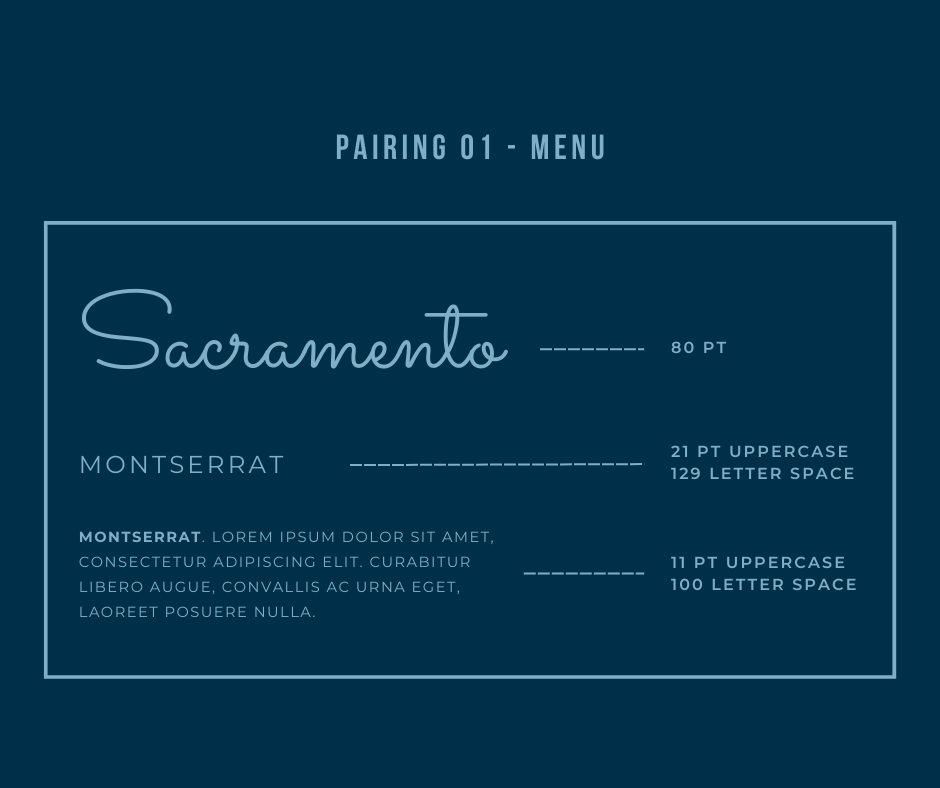
Sacramento is a monoline, semi-connected script typeface that is used for headlines and titles. This typeface has a feminine appeal that borders formal and casual lettering styles. Paired with uppercase Montserrat you can create projects that convey a sense of luxury with out being too serious.
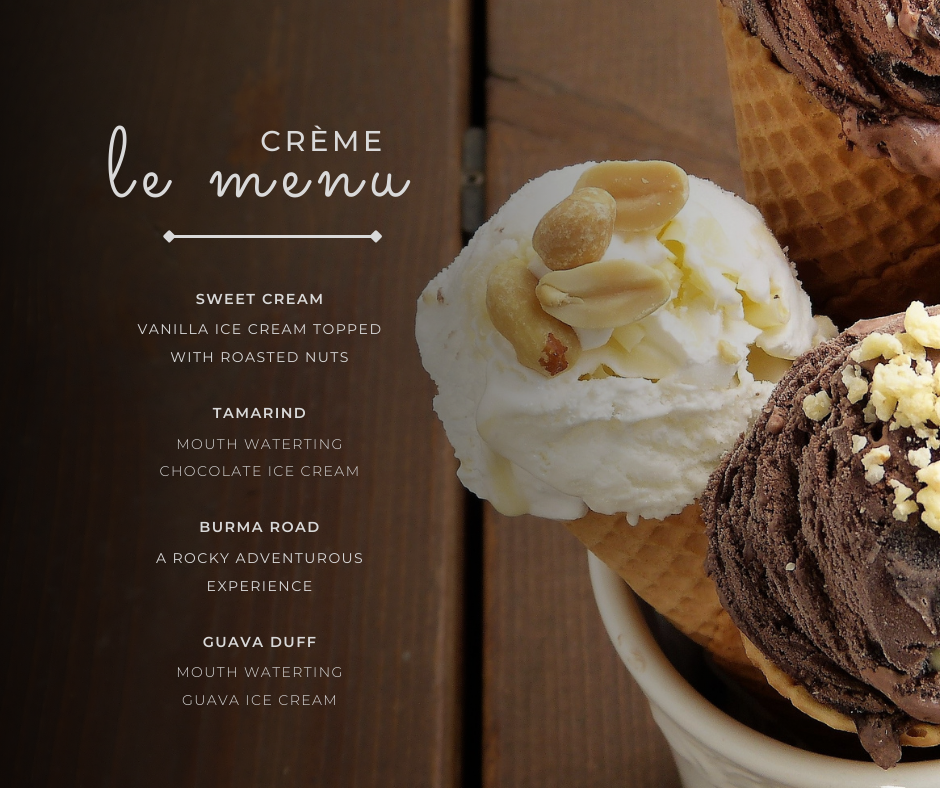

League Spartan is a bold, modern, geometric sans-serif font that is used to create striking headlines. Used on large graphic designs like billboards and posters it is meant to draw attention. An italic Montserrat is a softer contrast to the harsh presence of this typeface.
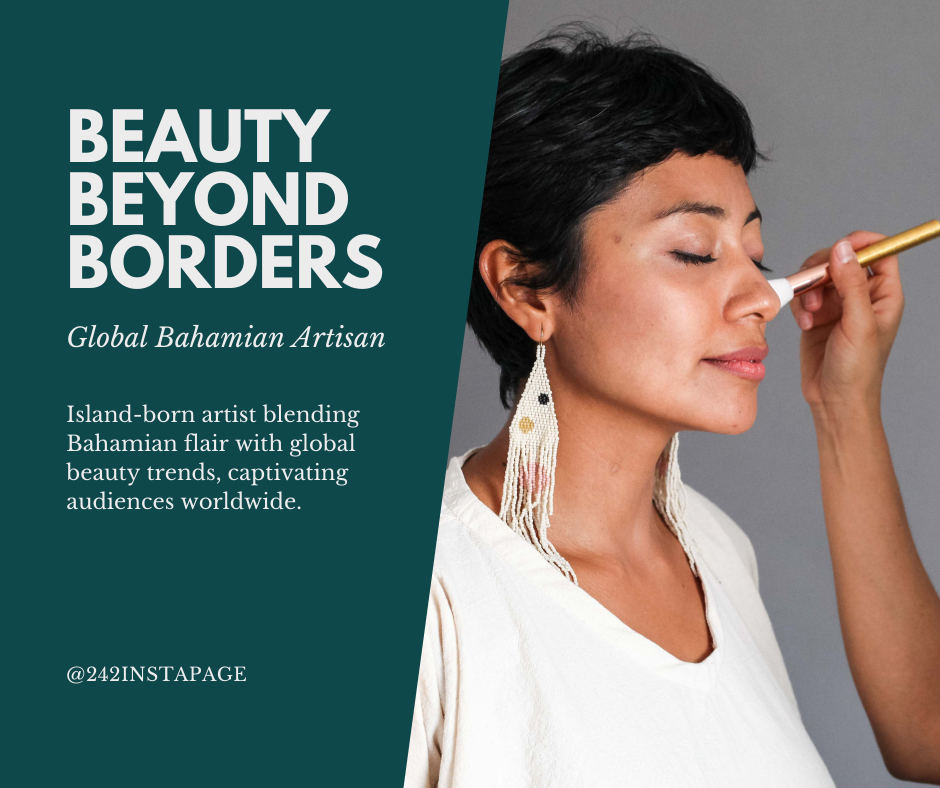

There is no rule that says that you have to use multiple typefaces in your design, in fact in a lot of cases you can get by with just one. Libre Baskerville is example of a serif typeface you can use to create neat headlines and readable body copy.
A little finesse is used to pull this of.
Convert your headlines to upper case, italicize your accompanying description and leave your subheading as is to create variability in your design.

Shapes are handy in designs to draw audiences to your project.
Play with the round shape of Bebas Neue with the narrow style of Montserrat to create eye-catching headlines.
Use a straight shape like lines on both sides of the text NEW ARRIVALS and extend them to the width of the title to create an appealing composition that contrast the round shape of the headline.
To add more attention to the headline condense your description to fit on one line so that it is roughly the width of the title (just as we did with the lines). This creates a rectangular enclosure that won't be ignored.


Merriweather is a versatile type that has bold and regular style variants that are readable and aesthetic. Being creative with shapes, unique combinations are achieved from this single font family, similar to pairing 03.
The key to making a design like this work is to choose short phrases that contain words with no more than 8 letters. The combination of verb, adjective, noun works well in this case.
Increase the adjective to at least twice the size of the other words. The l's in "lovely" are taller than the other letters in the word and creates a pocket that is used to fit the verb "explore" into. Italicize the noun and align it to the right of the tail of the y in the adjective.
Left-align the description and ensure that the width does not exceed the width of the adjective. This creates an appealing left placed shape that doesn't take up too much of the picture an allows breathing room to focus on both the text and the image.

Pineapple Prints redefines what’s possible with local promotional marketing, we manufacture premium stationarery and custom packaging in-house for Bahamian Businesses; satisfying their need to look unique yet professional.